Your to-do list, right on the Lock Screen.
Tap a task and Pon the red panda stamps it 済.

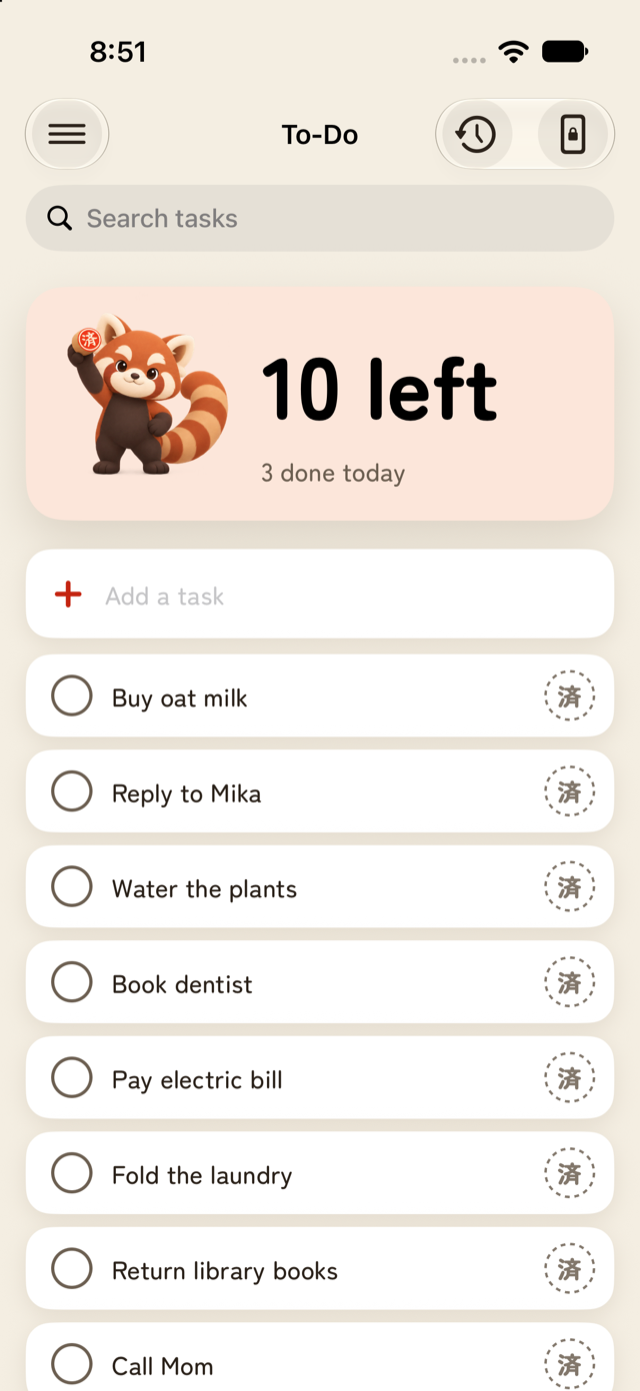
Under the clock
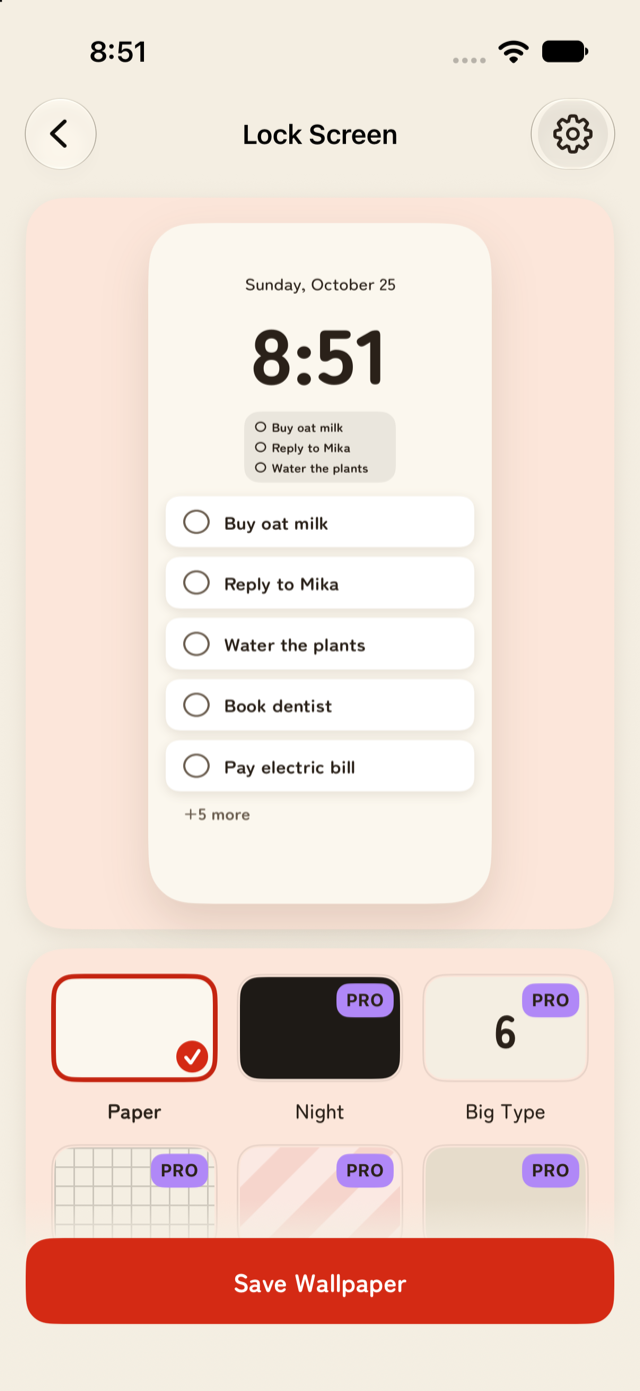
Lock Screen widgets give you a list you can tap to stamp, a progress ring, and one inline line.
The list wallpaper can be saved to Photos, or refreshed automatically with a Shortcuts automation.
Widget buttons work after Face ID unlock. That is an iPhone rule.
Add in seconds
Sumipon opens ready to type. You can also add a task from:
Control CenterAction buttonSiri
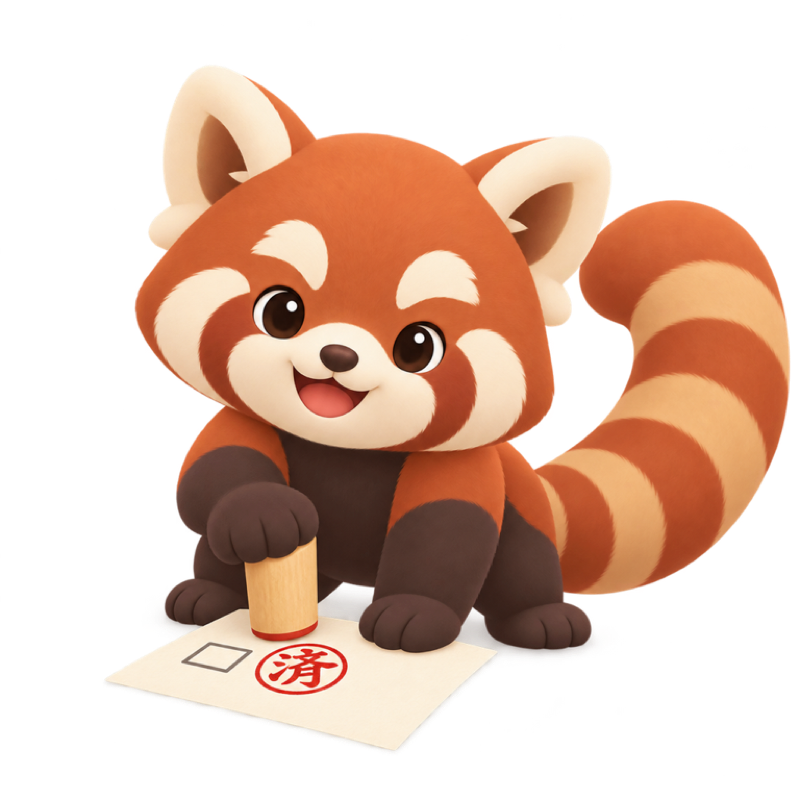
Done means 済
Every finished task gets a red 済 stamp and never comes back by mistake. If you slip, undo.
The Stamp Book keeps your history, and Pon levels up as you collect stamps.
Private by default
Works offline
No account
No ads
No data collected
Your tasks stay on your iPhone.
Sumipon Pro
PROOne-time purchase. No subscription.
All wallpaper styles
Live Activity for today’s focus
More than one list
History export
The list, widgets and Stamp Book stay free.